Your main work
The release, the shop, the booking form or the video you want people to reach first, sitting at the top where thumbs land.
Link in bio pages for creators and small businesses
Link in bio pages · Digily Link
Instagram, TikTok and YouTube give you one clickable link. Point that link at a digily.bio page instead of a single destination, then change what sits on the page whenever your work moves on. Nobody has to be told the address again.
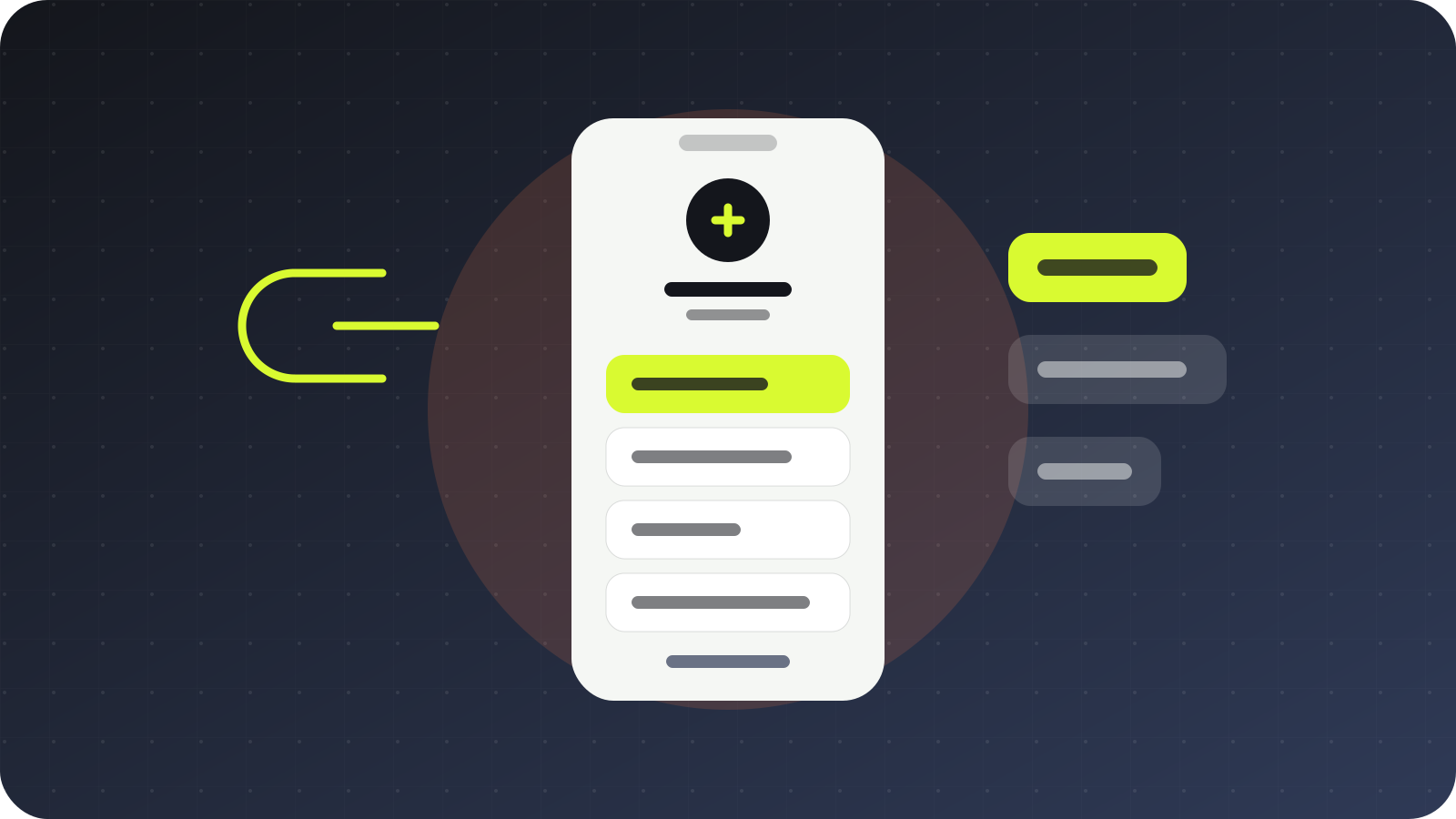
The release, the shop, the booking form or the video you want people to reach first, sitting at the top where thumbs land.
Older projects, other platforms and the newsletter, grouped into sections so the page stays readable as it grows.
A rate card, a press kit, a menu or a digital business card, attached to the page instead of sent one message at a time.
A contact form or a direct message link, kept separate from the links meant for your audience.
Digily Link tools
A bio page is the visible part. These are the pieces that make it worth keeping.
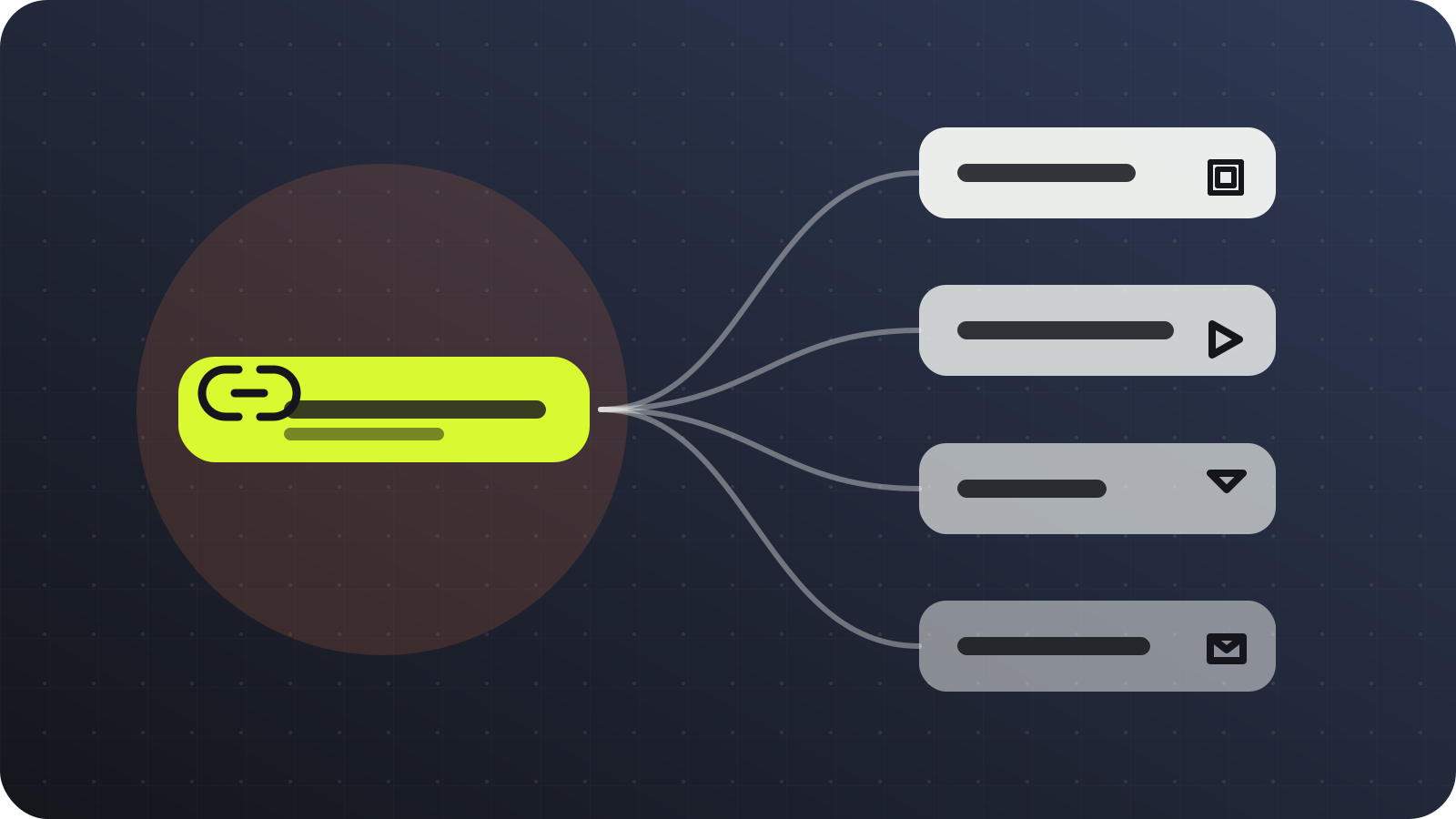
Unlimited links and sections on one mobile friendly page. Drag to reorder, publish, and it is live for everyone who already has the address.
Shorten any long URL on the same domain, choose the ending yourself, and change where it points without changing the link.
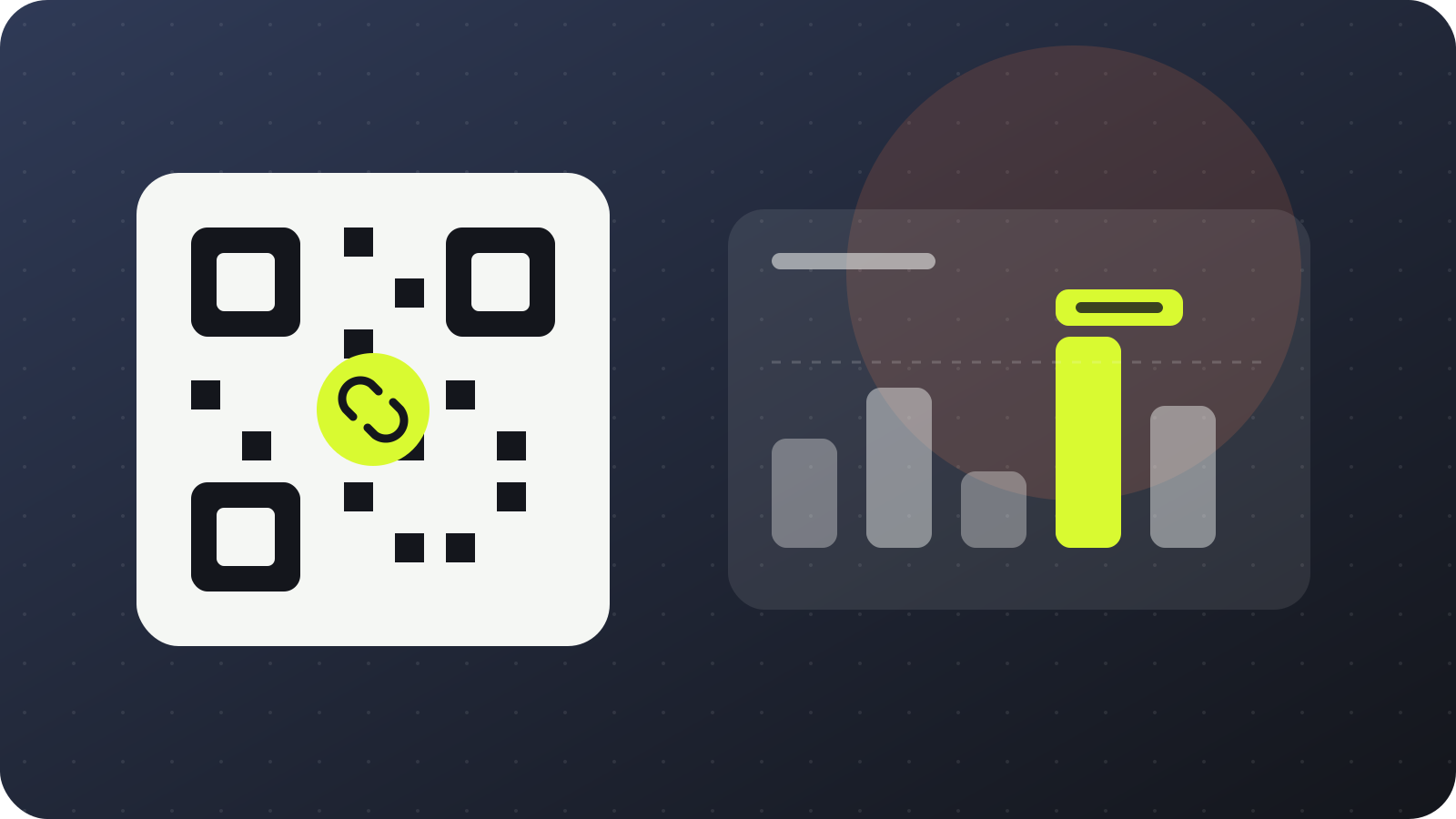
Turn the page or any single link into a QR code in your own colours, ready for a poster, a business card or a shop window.
Set a link to appear on a launch date and disappear when the run ends, so the page keeps itself tidy while you are busy.
Clicks, countries, devices and referrers for the page and for each link on it, without a cookie banner in front of your visitors.
On eligible plans, add Meta, Google Analytics, Google Tag Manager, LinkedIn or TikTok measurement to follow what happens after the click.
Two ways to use it
Pick the page when you have several things to show, and the short link when you have exactly one. Most people end up using both from the same account.
Several links
Create a Digily Link account and start a new bio link page.
Choose digily.bio from the domain list and pick the name that follows the slash.
Add your links, group them into sections and put the one that matters most at the top.
Paste the address into every social profile you have, once.
One destination
Open the short link tool in Digily Link and paste the long URL.
Select digily.bio as the domain and type the ending you want people to remember.
Add a password, an expiry date or a country rule if the link needs one.
Share it, then watch the clicks come in from your dashboard.
Domain → Digily Link → Publish
digily.bio is not a separate service with its own login. It is one of the domains you can pick inside Digily Link when you build a bio page or shorten a link.
That means the page, the short links, the QR codes and the statistics all sit in the same account. There is nothing to connect and no second subscription to remember.
Take a look at Digily LinkWho reaches for it
Anyone who has more to show than one link and would rather not rebuild a website every time something changes.
The right domain sets the expectation
The address is read before it is clicked. A .bio ending says what the page is, which is more than a generic shortener manages in the same space.
Short and direct
What it is, what it costs, how to set it up, and what happens to your visitors' data.
digily.bio is a domain you can choose inside Digily Link when you build a link in bio page or shorten a URL. It is not a separate platform and it does not need its own account.
You can build a bio link page that holds all the links you share, or a single short link that points at one destination. The same account handles both, and you can run as many of each as your plan allows.
Sign up for Digily Link, start a bio link page or a short link, then pick digily.bio from the domain list and type the name you want after the slash.
Yes. digily.bio works within the limits of the free Digily Link plan. If you outgrow those limits, the paid plans raise them without changing your address.
Yes, and this is the main reason to use one. Edit the destination in your dashboard and every copy already in circulation follows, including the ones printed on paper.
Yes. Any page or link can become a QR code in your own colours, downloadable as PNG for screens or SVG for print.
Yes. Digily Link records clicks, scans, countries, devices and referring sites in real time, for the page as a whole and for each link on it.
No. The statistics are collected without asking your visitors to accept a tracking cookie, so nothing stands between them and the link they came for.
Start on Digily Link
Open a free account, build the page, and paste one address into every profile you have. You can change what is on the page for as long as you keep it.